 Nuvirs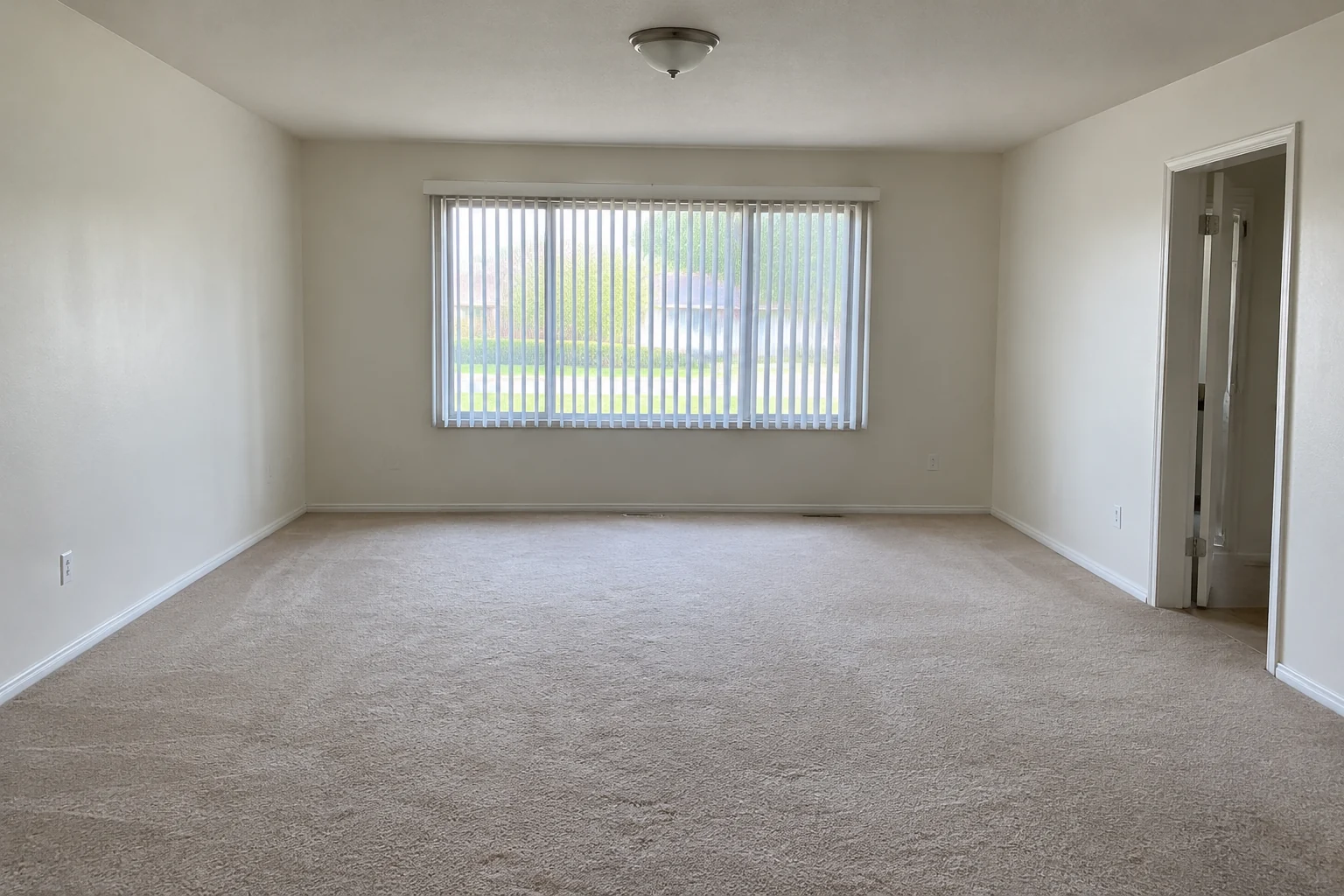
PhotoInput
Your room, as it is
Empty, dated or cluttered. Any JPG, PNG or WebP up to 10 MB.
AI room redesign · 3D rooms · 360° views
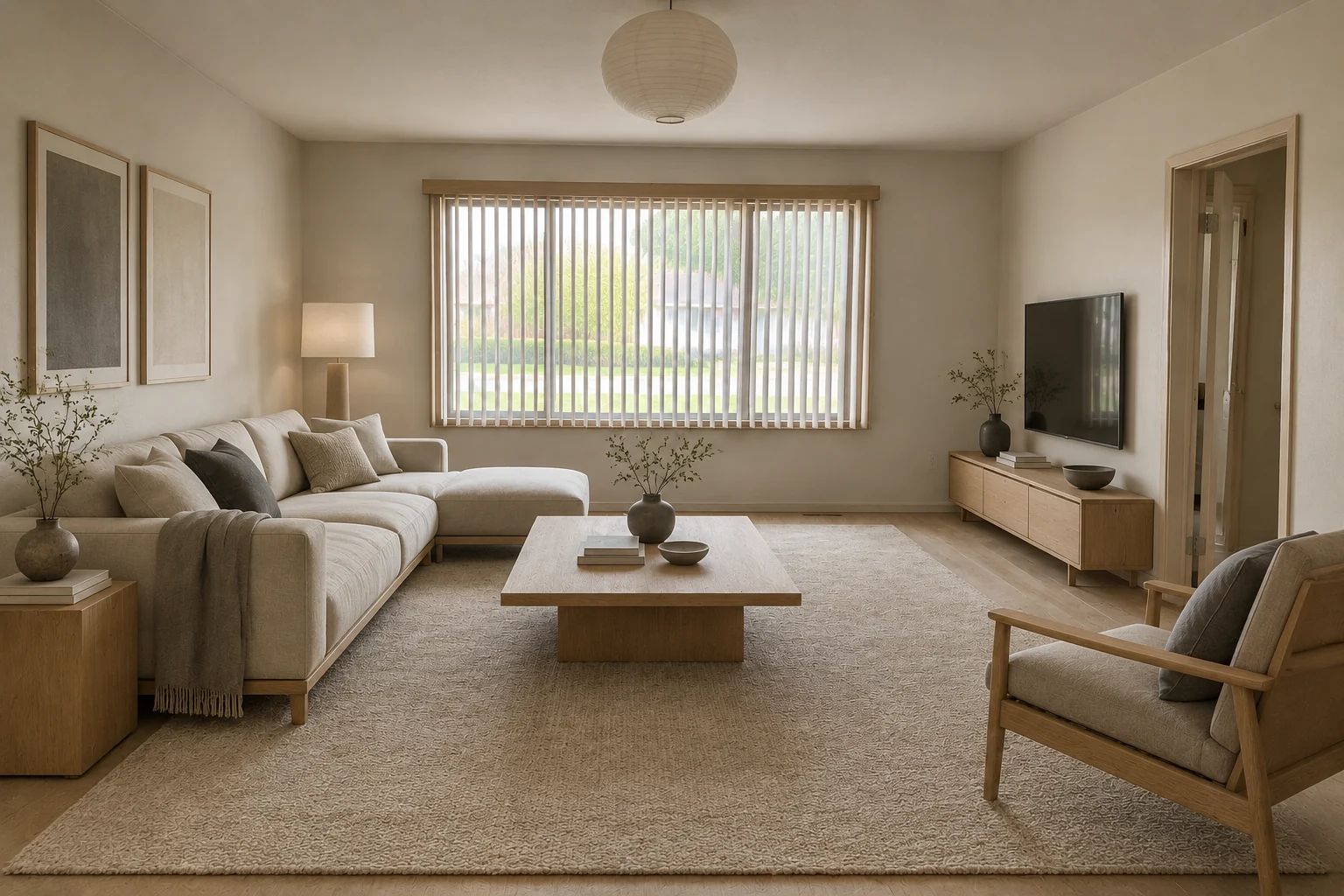
Upload a photo and pick a style. Nuvirs keeps your walls, windows and camera angle, redesigns the furniture, finishes and light — then turns the result into a 3D room you can walk through.
From one photo
Start with the room as it is. Keep the redesign as an image, or keep going into a 3D room and a full 360° view.
Empty, dated or cluttered. Any JPG, PNG or WebP up to 10 MB.
Pick a room and a style preset. Add details only if you want to.
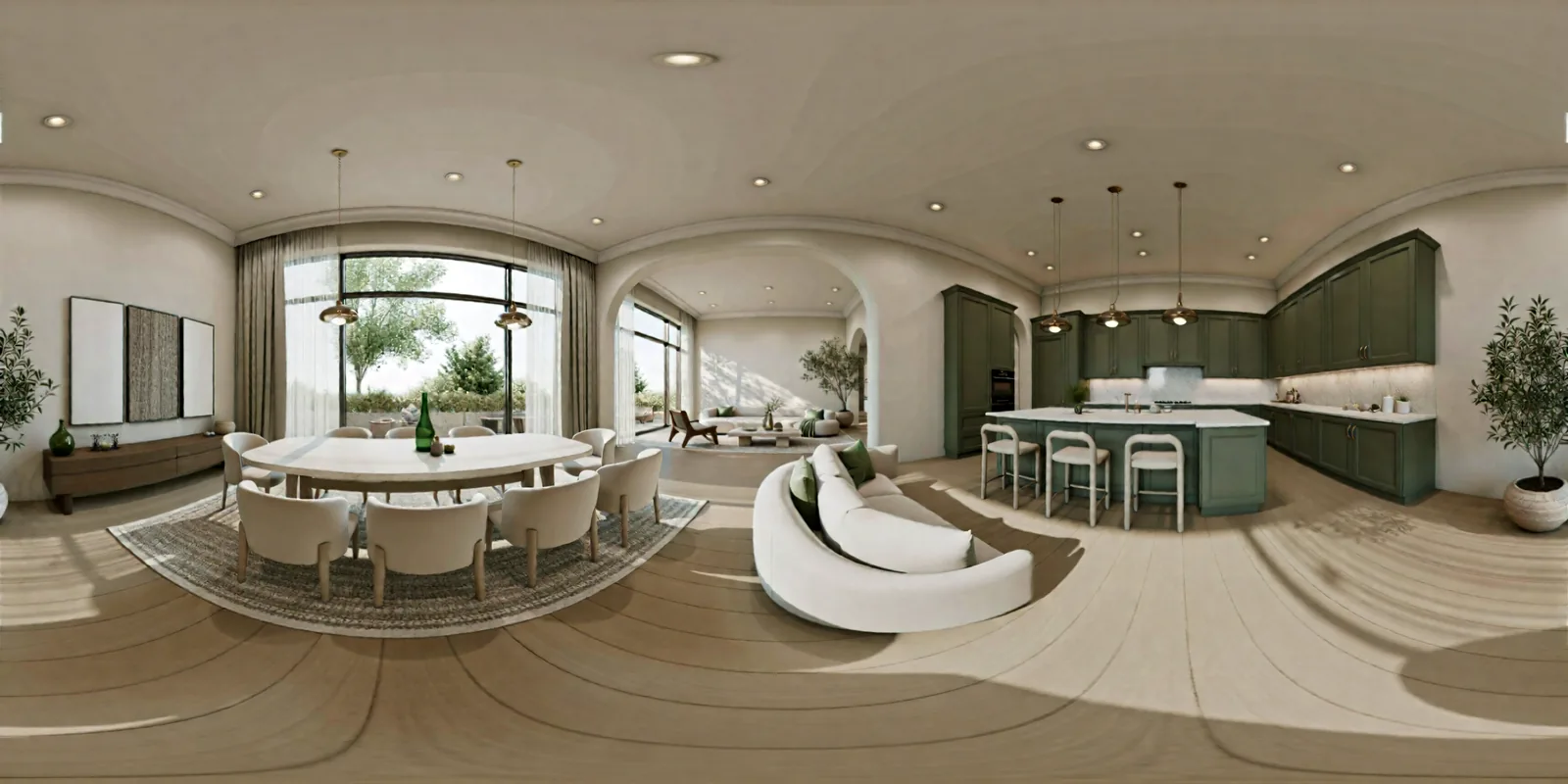
An explorable 3D scene. Drag to look around, WASD to move.
360°Each 3D room comes with its panorama — about 100 credits together.
3D room · 360° view
A room has more than one good angle. Every 3D room comes with a full panorama — drag across this one.
Create a 3D roomExamples
Hover or tap a photo to see the redesign. Each result came from a room and a style preset, with no prompt written.
Beyond rooms
Describe a scene or bring a reference photo. Set the light, materials and mood around your product.
Credits
One-time credit packs for images and 3D rooms. The studio shows the cost before you create, and failed runs are refunded.
New accounts start with 150 free credits when they sign in with Google.
Redesign a room from a photo, create images from a description, and turn a photo into a 3D room with a 360° panorama. Scene presets also cover furniture, product photography and kitchen concepts.
No. You can redesign a room photo without signing up, with no watermark. Signing in with Google adds welcome credits and keeps your work in My projects.
Walls, windows and the camera angle are kept; furniture, finishes and light change to the style you pick. Generated images can still shift small details, so review a result before using it for design decisions.
The studio shows the credit cost before you create. Credits are reserved while a result is made and settled when it is saved. Confirmed failed requests return the reserved credits.
A 3D room with its 360° panorama is about 100 credits. Current one-time packs are listed above. No subscription.
THE NUVIRS JOURNAL
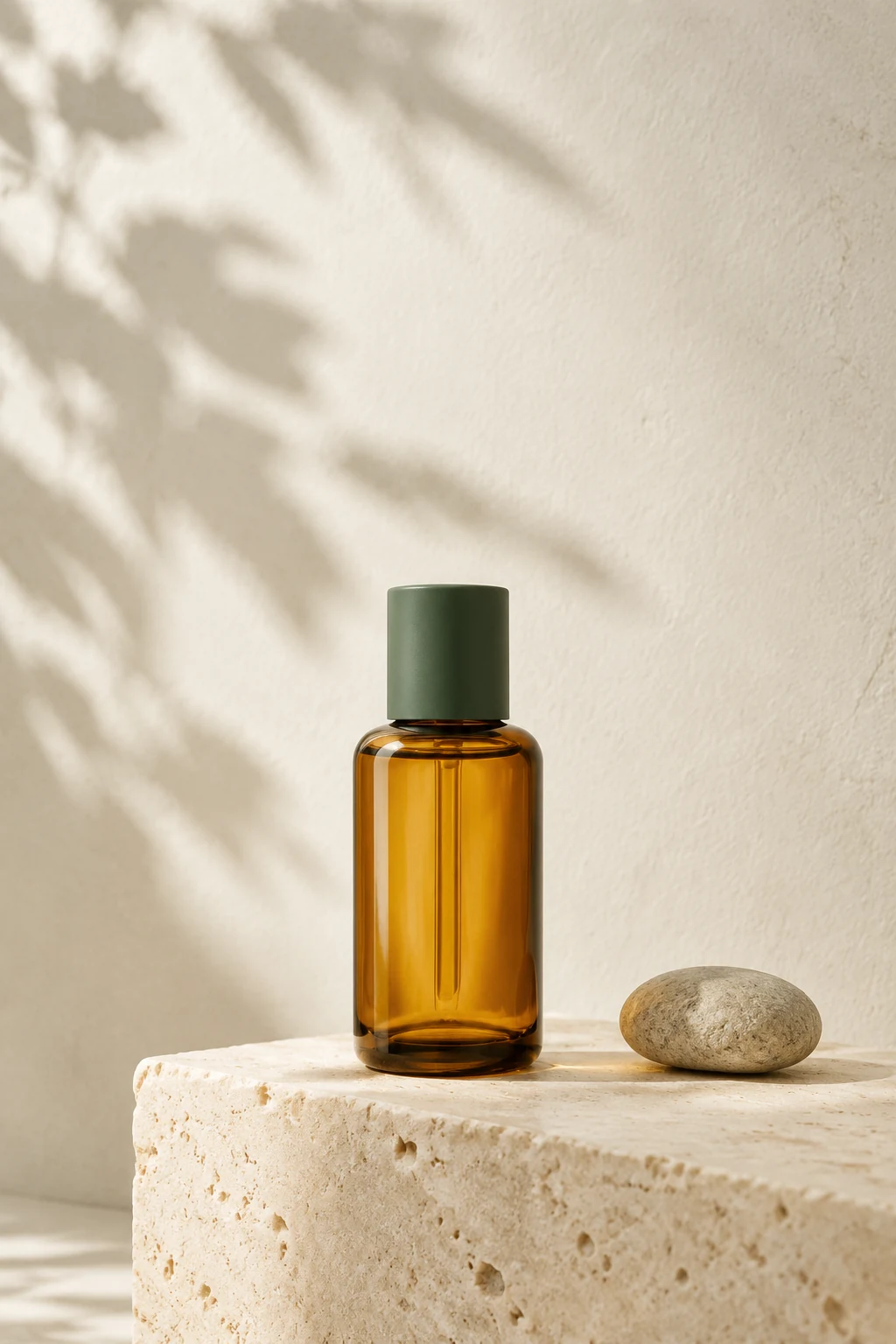
Product photography
Turn Pinterest’s October 2026 beauty trends into original product photo concepts: frosted silver, cozy fragrance and coffee tones, with editable AI prompts.
Read guide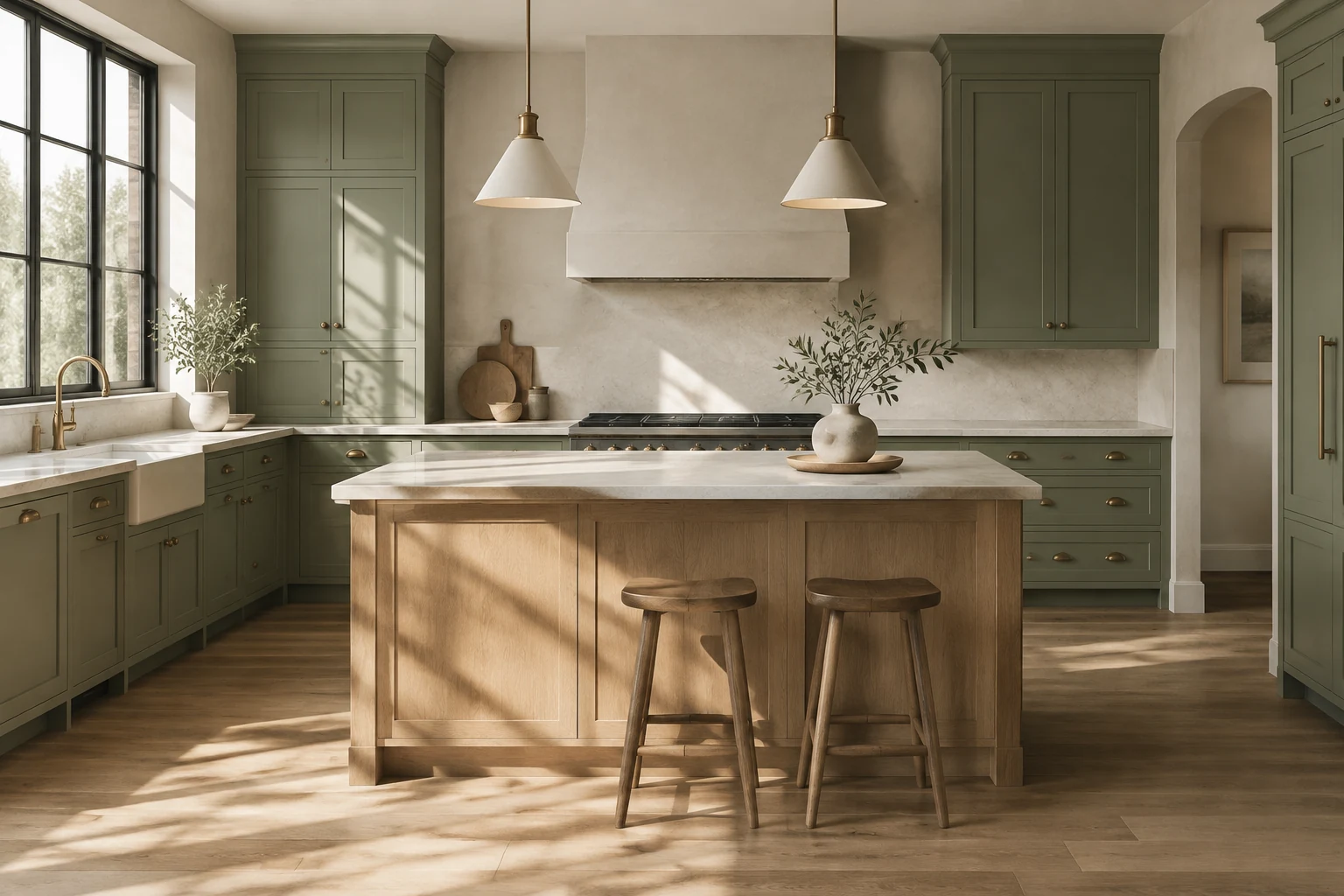
Room ideas
Plan a nature-inspired coffee corner with warm wood, soft forest colors and useful storage. Includes an AI room-editing prompt and a practical layout checklist.
Read guide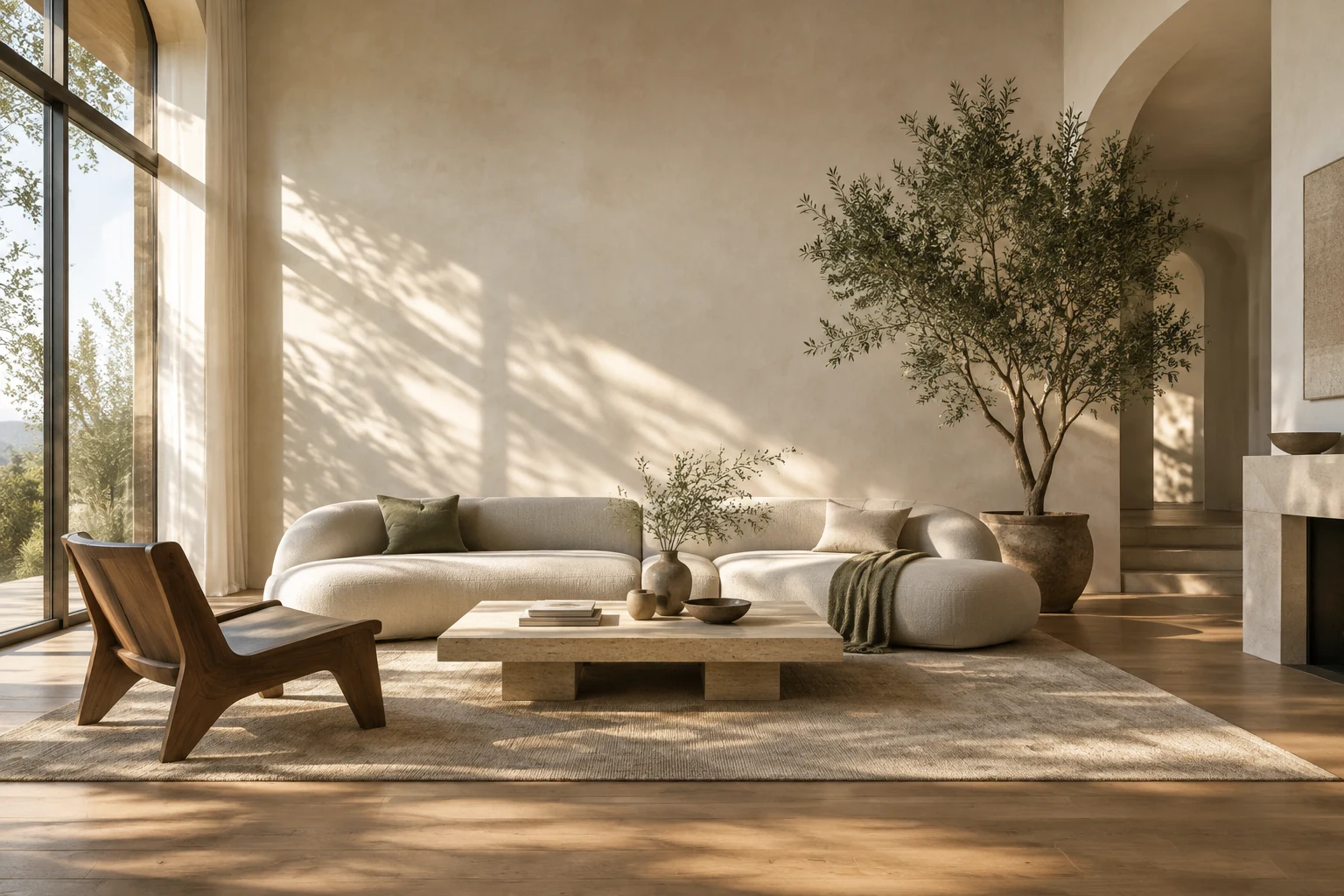
Color planning
Compare chocolate brown, bottle green and oxblood in your own room photo. Get practical fall palette advice, AI editing prompts and a paint-sample checklist.
Read guideFree to try
5 free designs and 2 free 3D rooms. No watermark.
Upload a room photo