
 Nuvirs
From object to atmosphere
AI furniture photography, in a new setting.
Upload a furniture photo and explore AI room staging for your collection. Try different settings and lighting, then check fabric, shape and construction details.
Start with this scene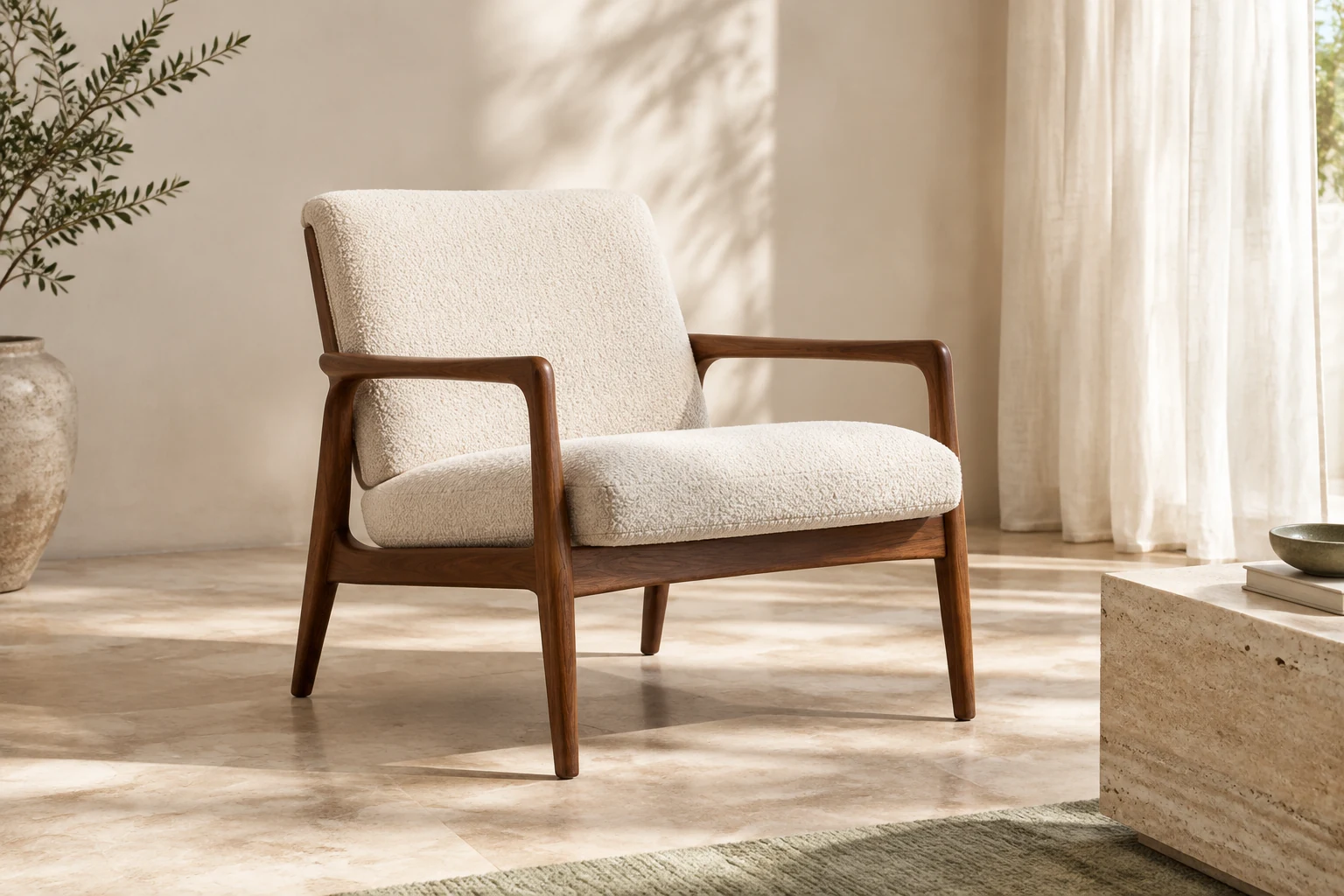 AI-generated inspiration
FROM REFERENCE TO RESULT
How to stage a furniture photo with AI
Show the whole piece
Add a furniture reference to Image in Studio. Include legs, arms and edges in the frame, with enough light to see the upholstery or wood grain. Avoid cropped corners and objects covering the piece.
Build a setting around it
Describe a room style, wall and floor materials, and light direction. Ask to preserve the furniture silhouette, proportions and color. Keep surrounding props simple so the piece remains the focus.
Review it against the reference
Check the number of legs, seams, cushions, fabric texture and contact with the floor. Compare several concepts using the same reference before choosing an image for a mood board or presentation.
A DIRECTION TO EXPLORE
A sculptural olive linen sofa in a thoughtfully styled living room, a travertine side table, warm oak floor, a large soft window light, restrained styling. High-end furniture catalog photography.