
 Nuvirs
Product photography
Fall Beauty Product Photography: 3 AI Background Ideas
Turn Pinterest’s October 2026 beauty trends into original product photo concepts: frosted silver, cozy fragrance and coffee tones, with editable AI prompts.
Read guideYour product, in its element
Create AI product photography backgrounds from a reference photo. Explore studio surfaces, natural light and lifestyle settings, then review product details.
Start with this sceneAI-generated inspirationFROM REFERENCE TO RESULT
Open Image in Studio and add a photo of one complete product. Leave space around its outline and make labels, caps and small features visible. Use an image you own or have permission to edit.
Name the surface, background and light direction separately. Ask to preserve the product and add natural contact shadows. The example prompt below is a starting point you can adapt to your own item.
Compare the result with your reference at full size. Check lettering, logos, color, reflections and the product outline. The studio shows the credit cost before a paid generation is submitted.
A DIRECTION TO EXPLORE
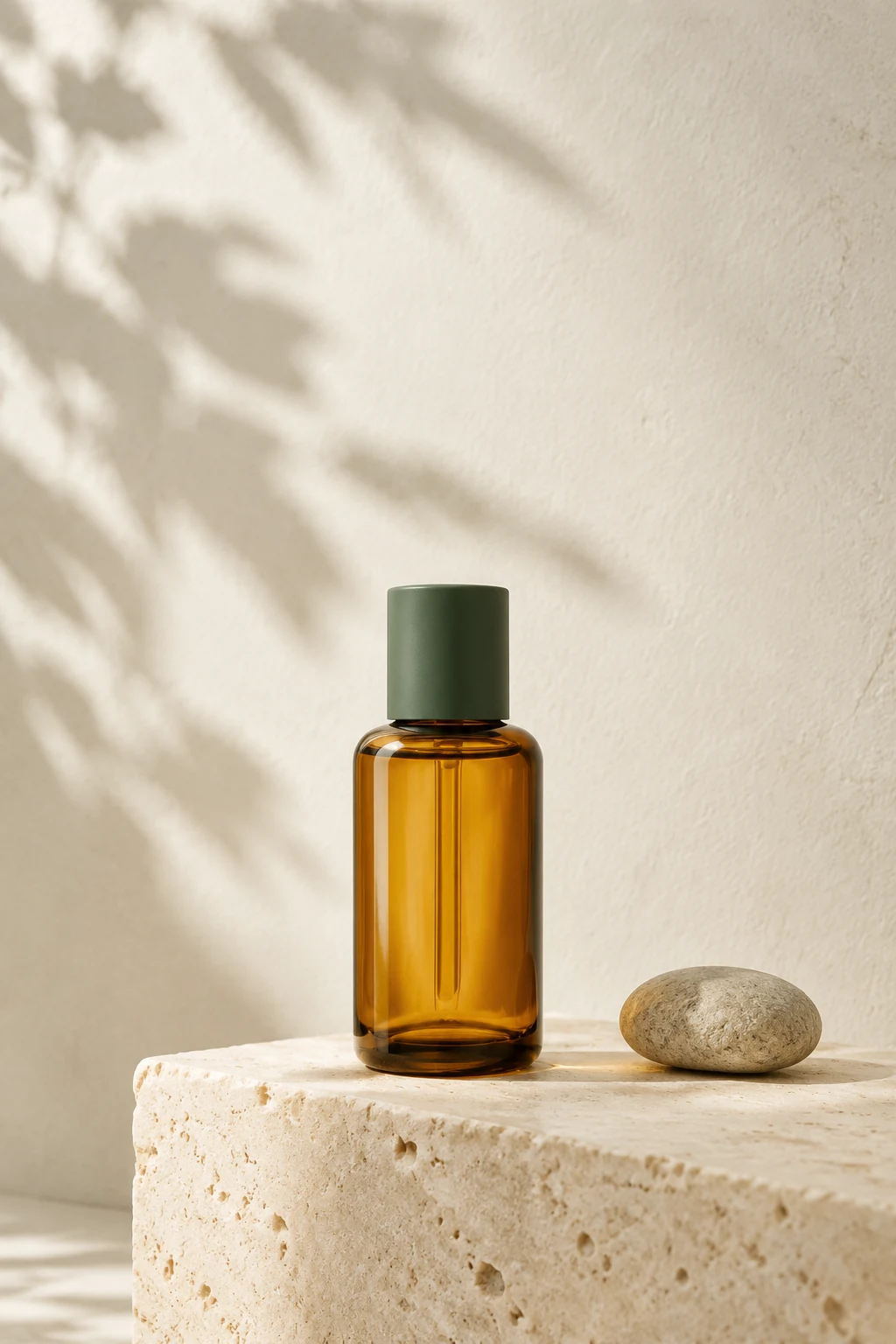
An unbranded skincare bottle on a pale stone plinth, a single branch casting a delicate shadow, warm daylight, muted sand palette. Premium editorial product photography, realistic materials, no added text.
THE NUVIRS JOURNAL